

Not All Hours Get Billed
The financial impact compounds quickly. Firms lose between 10 and 30% of potentially billable time when entries are postponed or reconstructed from memory. For a single attorney, that's $20,000 to $40,000 in annual revenue leakage.
Why Traditional Timekeeping Tools Fail
The legal industry has relied on the same basic approach for decades: start-stop timers and manual time entry. These tools assume lawyers work in neat, uninterrupted blocks. Reality looks nothing like that.
A typical attorney's day involves rapid context switching across client emails between court filings, phone calls interrupting research, Teams messages about urgent matters. Each activity is billable but falls through the cracks because remembering to start and stop a timer every time is cognitively exhausting.
Even the best manual systems share fundamental limitations:
Can Modern Technology Help?
Yes. 2025 marked the shift from reactive to proactive timekeeping becoming widely accessible.
Modern tools capture billable activity automatically, as it happens. You send an email and it's logged. You join a video call and the duration is tracked. You take a phone call and the time is recorded and the contact matched to your client database. All without touching a timer or remembering to make an entry.
All your digital activity is proactively monitored in real-time and converted into draft time entries automatically. You review and approve instead of trying to remember and reconstruct.
What This Guide Covers
This guide reviews five proactive timekeeping tools but does NOT include traditional timers or manual entry systems. Each tool is subtly but meaningfully different. The right choice depends on where your billable time gets lost.
1. Billables AI
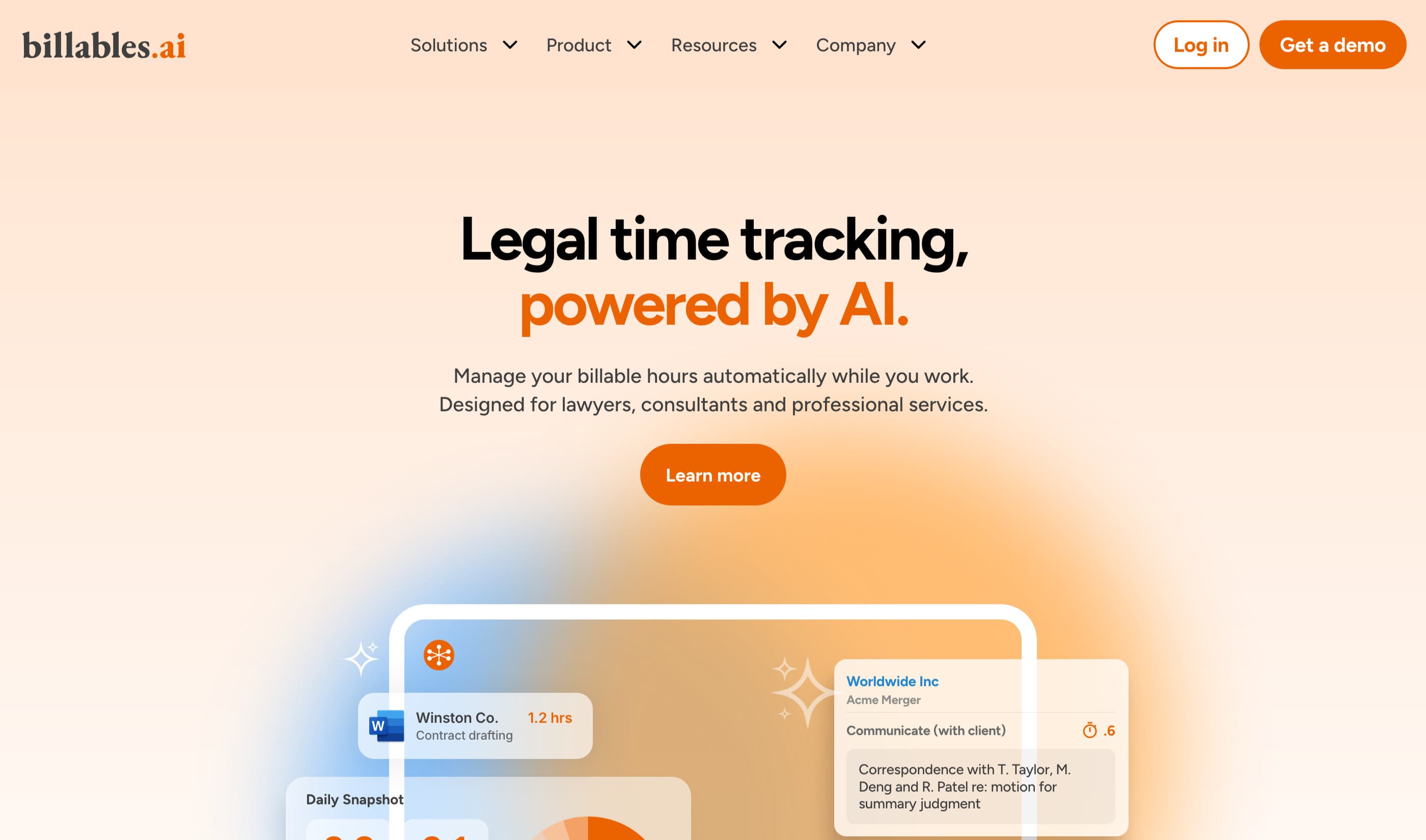
Fully automated activity monitoring for attorneys whose billable work happens inside productivity applications. Auto-generates time entries with narratives, matter matching, and client billing guideline compliance.
What It Captures
Desktop, laptop, and mobile activity across connected applications (document editing, email, browser work, video meetings, calendar events).
How It Works
API-based activity monitoring (no screenshots). Tracks time in connected applications, auto-assigns to matters, generates narratives. Entries appear in a daily dashboard for review before export.
Privacy & Security
User-controlled data sharing. You review and approve entries before anything leaves the platform. Client billing guidelines checking ensures entries meet specific requirements before export.
Pricing
Starts from $39 per seat per month.
Integrations
2. Lawgbook
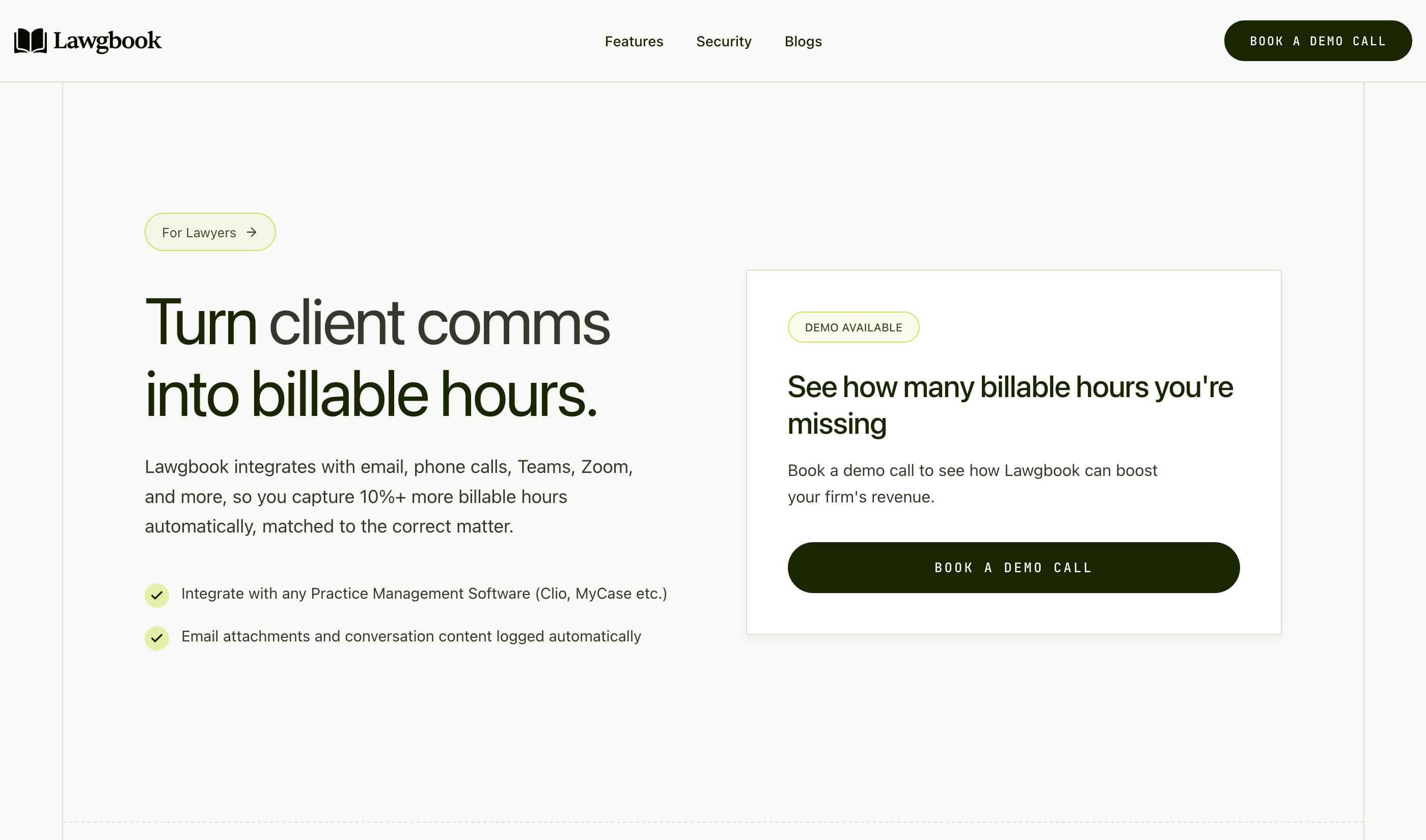
Automated timekeeping for law firms. Lawgbook records your email, calendar, and meeting activity, writes OCG-compliant billing narratives matched to the correct matter, and syncs entries to Clio. Best for firms that want compliant billing entries drafted for them. Full workday capture (documents, browser, research) is coming soon with the Professional plan.
What It Captures
Email, calendar, and meetings (Zoom, Teams, Google Meet). Emails and attachments are automatically filed to the correct matter in Clio. Essentials is API-based with no desktop monitoring. Full workday capture (documents, browser, research, and everything else) is coming soon with the Professional plan via a desktop companion application.
How It Works
API-based integrations with your email, calendar, and meeting platforms. Captured activity is automatically matched to the correct matter. Lawgbook writes OCG-compliant billing narratives in a configurable style and syncs entries to Clio. You review and release.
Privacy & Security
Data is encrypted in transit and at rest, automatically purged periodically, and never used to train AI. Entries reach your billing system only after you review and release them.
Pricing
Essentials $29.99 per seat per month. Professional $59.99 per seat per month (coming soon). Enterprise custom. Flat pricing with no per-email fees.
Integrations
3. Ajax
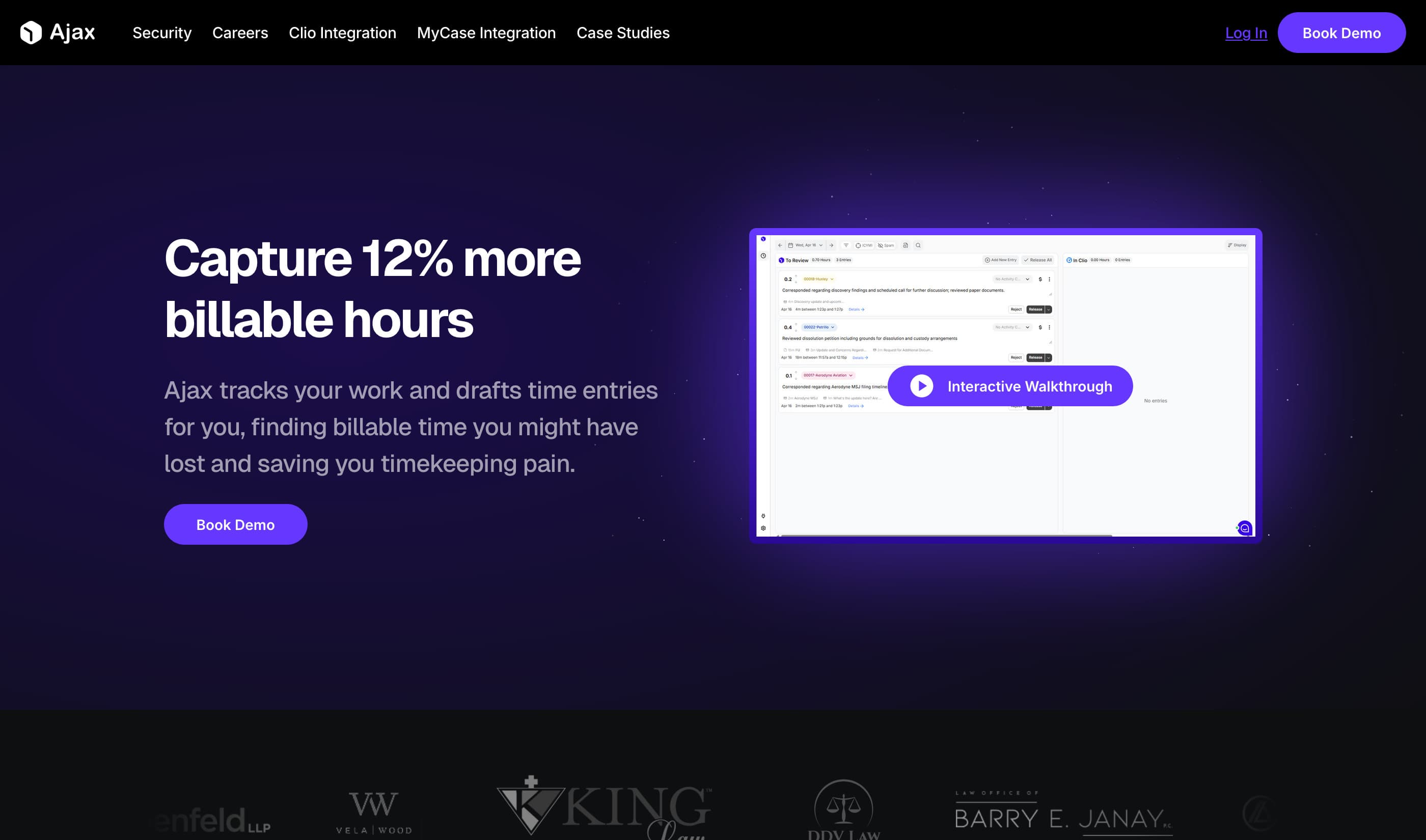
Real-time screen monitoring that surfaces polished time entries as you work. Fully automated with entries appearing throughout the day, not just at day's end. Best for attorneys who task-switch frequently and need every 0.1 captured without manual entry.
What It Captures
Screen activity across all desktop apps.
How It Works
Screen monitoring with real-time processing. Drafts client-ready narratives with matter and activity codes while you're still working. Single-click review and sync to your billing system.
Privacy & Security
SOC 2 compliant. Data deleted monthly. No training on your data. You alone control what gets released to billing (entries stay private until you export them).
Pricing
Contact for pricing.
Integrations
4. TIQ Time
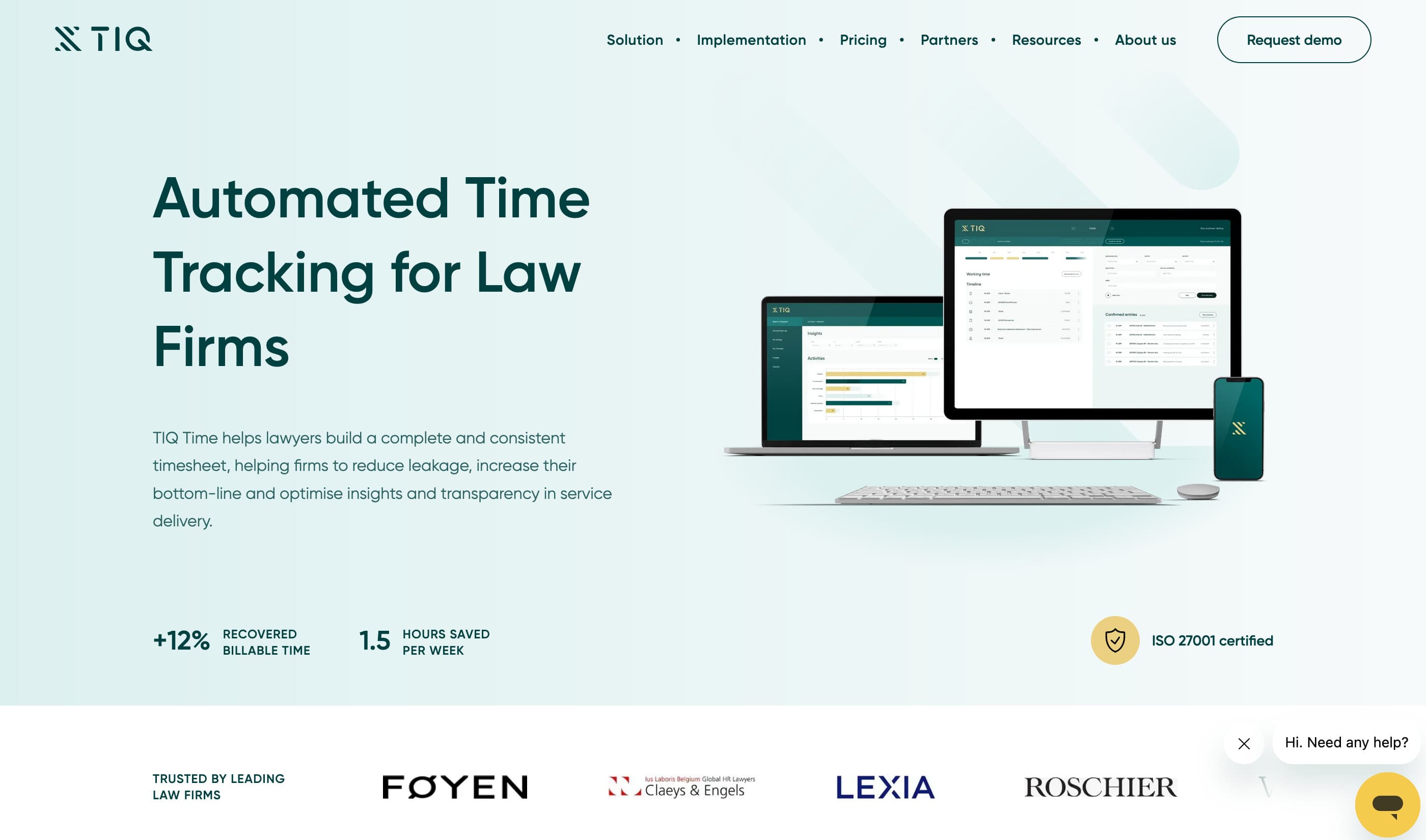
Enterprise solution for mid-to-large law firms. European-headquartered (Amsterdam) with structured 4-week implementation and dedicated customer success. Best for firms needing compliance certifications, multilingual support, and Power BI reporting.
What It Captures
Document drafting, emails, meetings, and desktop activities through Office 365 and document management system integrations. VOIP/phone integration available.
How It Works
Automated time capture processes daily input into suggested entries. Narrative builder with templates ensures Outside Counsel Guidelines compliance. You confirm, edit, and export. Includes multilingual support for all European languages.
Privacy & Security
ISO 27001 certified. GDPR compliant. Hosted on Microsoft Azure (Amsterdam/Dublin data centers). AES-256 encryption. Full audit logging.
Pricing
Starts from $36 per seat per month.
Integrations
Office 365, Teams, Outlook, Word, Excel, Chrome, Zoom, VOIP/Phone, Document Management systems | Offers custom support to integrate other practice management and work tools
5. Memtime
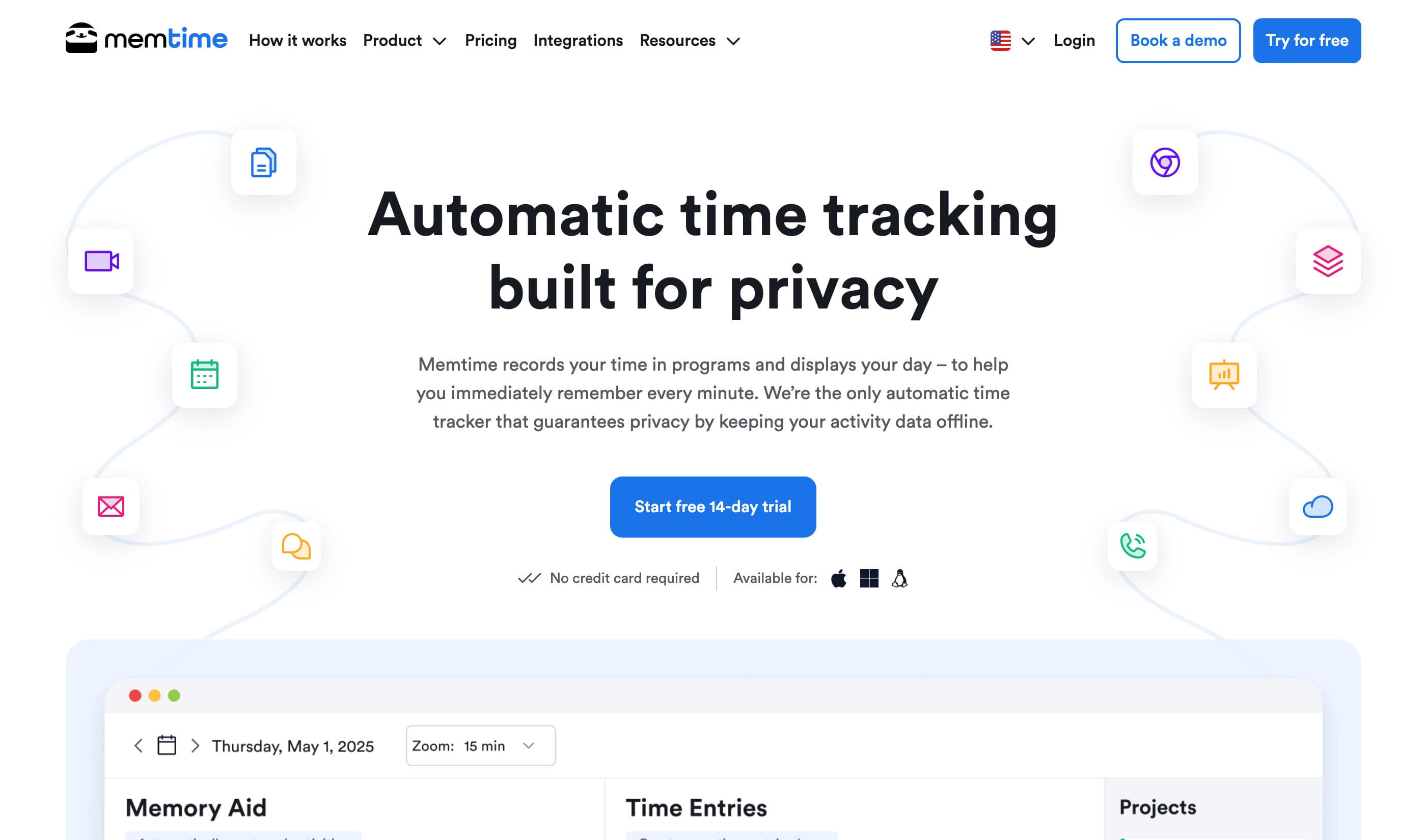
Privacy-first desktop tracker with offline-only architecture. All data stays on your device. Semi-automated: creates a visual timeline you use to build entries manually. Best for privacy-conscious professionals who want activity recall without surveillance trade-offs.
What It Captures
Every program, document, email, video call, meeting, and browser tab on your desktop. Tracks the active foreground window across all applications.
How It Works
Fully offline activity recording. Data stored exclusively on your device. Creates a visual timeline of your day. You manually create time entries from the timeline and export when ready. More "memory aid" than auto-generated timesheets.
Privacy & Security
Activity data never leaves your device. No server storage, no cloud sync of tracked activities. Delete individual activities or clear entire timeline anytime. German-engineered.
Pricing
Starts from $12 per seat per month.
Integrations
Works with any program on Windows, macOS, Linux | Exports to Xero, QuickBooks, Freshbooks, and Clio
Quick Comparison
| Tool | Capture Method | Privacy Model | Automation | Pricing | Best For |
|---|---|---|---|---|---|
| Billables AI | API-based activity monitoring | User-controlled, no screenshots | Full | From $39/seat/mo | Desktop-heavy workflows |
| Lawgbook | API-based (email, calendar, meetings) | Encrypted, periodic purge, no AI training | Full | From $29.99/seat/mo | Firms that bill in Clio |
| Ajax | Screen recording | SOC 2, monthly data deletion | Full | Contact for pricing | Frequent task-switchers |
| TIQ Time | Office 365 + DMS integration | ISO 27001, GDPR | Full | From $36/seat/mo | Enterprise/compliance needs |
| Memtime | Local desktop tracking | Offline-only, on-device | Semi | From $12/seat/mo | Privacy-conscious professionals |
Choosing the Right Tool
The best timekeeping tool depends on where your billable time actually gets lost.